

How does a data center work? Power, cooling and locks
What happens in a data center while you sleep: power, cooling, locks and a failed disk. Plus what ISO 27001, NVMe and backups mean for your website.
 Team Netslim 24 Nov 2026 7 min read
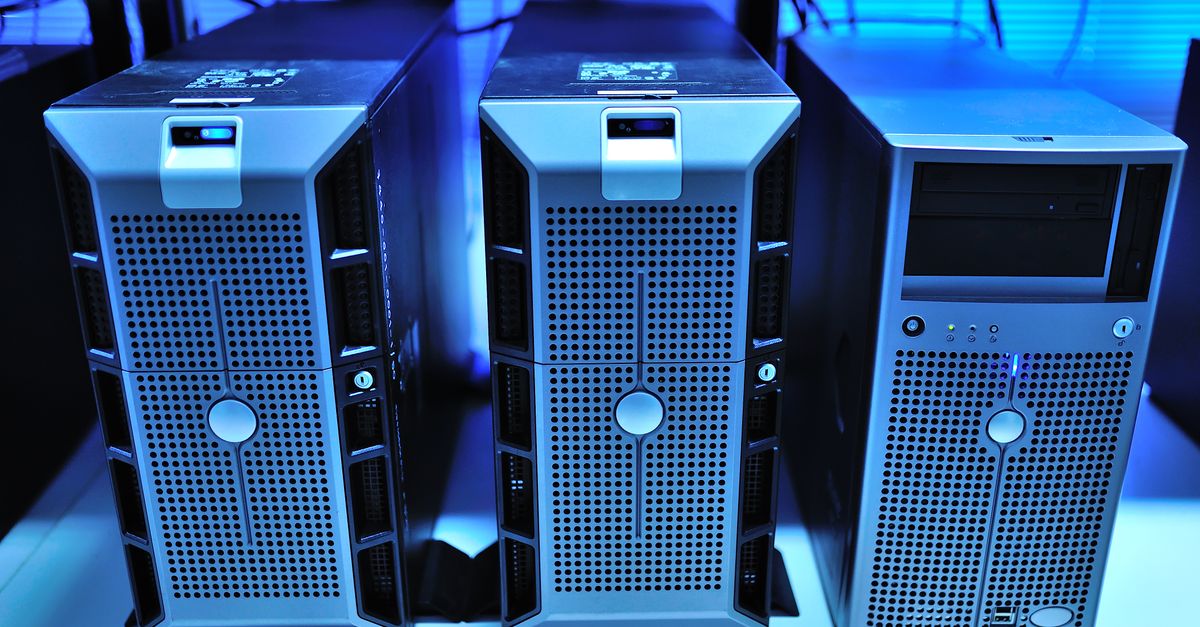
At three in the morning there is hardly anyone in a data center, and that is exactly the point. When things go well, nothing happens: the power keeps coming in, the air stays cool and your website keeps responding. The work lies in everything that has been prepared for that.
So how exactly does a data center work? In this article we walk through it in our heads: power, cooling, access control, what ISO 27001 means in that context and what happens when a disk fails. A small note up front: this is how such data centers are generally set up. We deliberately say nothing about specific buildings, addresses or layouts, as that is not something that should be out on the street.
Our web hosting runs on servers in ISO 27001 data centers in Germany, never in the Netherlands. Further on we explain what that means for you.
How a data center handles power: two routes, batteries and diesel
Servers do not like power outages. A data center therefore builds several layers around the power supply, so that a single fault never immediately affects your site.
- Dual feed. Server racks are usually powered via two independent power routes. If one route fails, the other keeps running.
- Batteries (UPS). If the grid goes down, large batteries take over. They do not last long, but they bridge the few minutes needed to start the next layer, without a server noticing that anything happened.
- Generators. Usually diesel. They start when the power stays off for longer. They are tested regularly, because a generator that is only tried during the first real outage is a gamble.
For you as a customer, this means that a power spike or a broken cable nearby is no reason for an offline website. There are no guarantees, but this is why downtime caused by power in a good data center is rare.
Cooling: removing heat is half the job
Every watt a server consumes comes back out as heat. A rack full of servers is in fact a heater that must never switch off. Cooling is therefore just as important as power, and is also built redundantly.
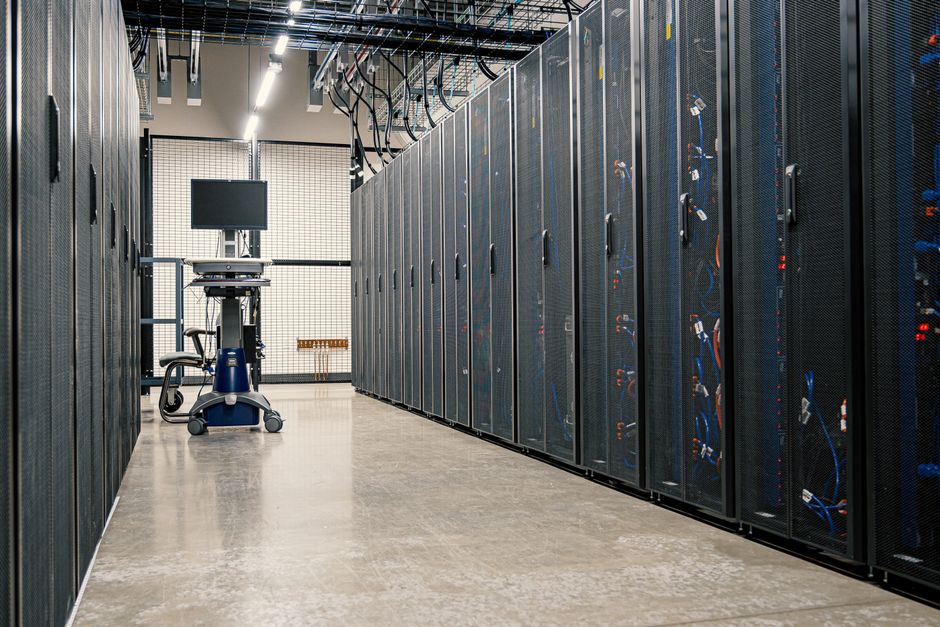
The basic principle is simple. Cool air goes into the servers at the front, warm air exits at the back and is removed. Many data centers physically separate these two airflows (cold and hot aisles), so they do not mix. That saves energy and keeps the temperature stable.
Here too the rule applies: there is more cooling capacity than strictly needed, so that a defective unit does not become a problem. Sensors measure temperature and humidity, and a deviation triggers an alert long before a server overheats. Air that is too dry is also bad (static electricity), and air that is too humid is bad too (corrosion).
Locks: who gets in and who watches
Physical security is often the least visible part, and yet it starts there. You can have the best firewall, but if someone with a USB stick can walk into the server room, you gain little from it.
Typically you see a number of layers one after another:
- A fenced site with cameras and surveillance.
- A reception or gate where you must show your identity and be on a list.
- Airlocks where only one door can open at a time and you only proceed with a badge, often supplemented with a code or biometrics.
- Locked cages or cabinets inside the server room, so that even a visitor with access cannot reach every machine.
- Logs and camera footage of who was where and when.
With shared hosting and WordPress hosting, you as a customer do not simply walk in, and that is exactly the intention. You work with your site via Plesk, and the data center staff do the physical work. Management and access are separated, and everything that happens leaves a trace.
What ISO 27001 means in practice
ISO 27001 is an international standard for information security. It is not a quality mark for hardware, but for the way an organization works. An external auditor checks whether risks have been mapped, whether measures are in place against them, and whether those measures are actually followed and reviewed.
What that delivers in practice:
- Fixed procedures for access, changes and incidents, so that it does not depend on who happens to be on duty.
- Recorded who may do what, and who checks it.
- Regular checks by an independent party, not just a checklist kept by the organization itself.
- A way to learn from incidents, instead of letting them disappear.
To be honest, a certificate is no guarantee that nothing ever goes wrong. It means there is a demonstrable system to prevent, detect and recover from errors. That is far more than many small providers can show, but it remains evidence of a way of working and not a promise of perfection. That is why backups, monitoring and your own password hygiene remain necessary.
A disk fails: what do you notice?
Disks fail. It is not a question of if, but of when. A good setup assumes that.
What happens in the data center
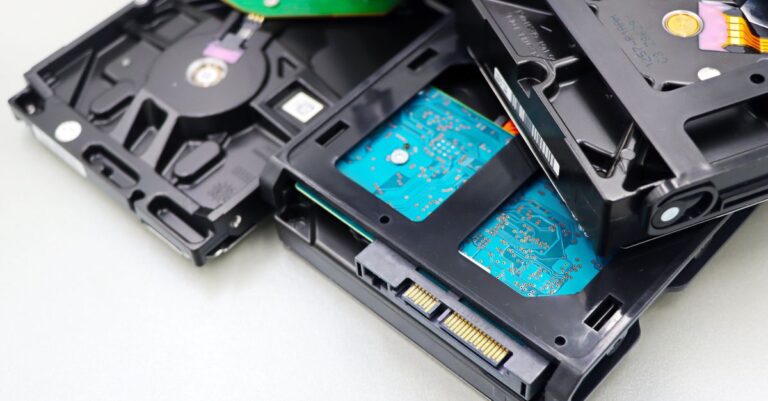
Hosting servers usually run their storage in a RAID setup: the data is on several disks at once. If one fails, the server keeps running on the others. Monitoring detects the fault, an alert is raised, and a technician replaces the disk. The system then rebuilds the copy. In the best case you notice nothing, at most a server that is a bit busier during the rebuild.
Note: RAID is not a backup. It protects against a broken disk, not against a deleted file, a hacked site or a mistake of your own. Backups are there for that.
What NVMe means here
NVMe is a type of storage that connects directly to the processor and reads and writes much faster than older SATA disks. For you, this is mainly noticeable on sites that work heavily with the database, such as WordPress and webshops: pages are built faster and the management environment feels less sluggish. NVMe does not suddenly make a slow site with heavy plug-ins fast, but it does remove a significant brake. If you want to know where the rest of your speed is getting stuck, run the free website check.
What daily back-ups do
With our hosting we make a back-up every day. That means that in the worst case you lose at most one day of work if something goes wrong, and that if there is a faulty update or a hack, you can restore a clean version. Whether that is enough depends on your site. A webshop that receives orders all day needs backups more often than a brochure site that changes twice a year. The how to make a website back-up: how often and where you keep it article explains how to think about this, including keeping your own copy outside your hosting.
If you also want to hear right away when something goes down, Serverwacht can send you an email and SMS in case of an outage.
Why our servers are in Germany and not in the Netherlands
This is a deliberate choice, not a coincidence. Our web hosting runs in ISO 27001 data centers in Germany, and we do not place any in the Netherlands. For you this has a few practical sides:
- Your data stays in the EU. Germany falls under the same European privacy rules as the Netherlands, so you do not need to worry about data ending up outside Europe.
- The distance is small. For visitors in the Netherlands, Germany is a few milliseconds further away than a server in your own country. A visitor will not notice that. What does matter is how fast your site is built, and NVMe and good caching make a much bigger difference there.
- You do not put all your eggs in one basket. The Dutch data center landscape is busy and tight. If you are located elsewhere, you are less dependent on what happens at that one location.
If you have a good reason to want your data in the Netherlands, for example a requirement from a client, ask us beforehand. That is better than finding out afterwards.
What a data center does not solve is an attack on your site itself. There are separate measures for that, such as anti-DDoS, which we include as standard with our hosting.
What you can do yourself now
You do not need to build a data center, but you can check whether your hosting meets the basics. A short checklist:
- Ask your host where your site is physically located and whether the data center has an ISO 27001 certificate. A good answer costs them no effort.
- Check how often a back-up is made and how you restore it yourself.
- Also keep your own copy in another place.
- Run the free website check to see speed, SSL and security headers.
- Make sure you get a notification when your site goes down, so you know before your client does.
If you are looking for a place to put a site, take a look at our web hosting: NVMe storage, daily back-ups and free SSL are included, and you are online right after payment.
Frequently asked questions
Does a server in Germany make my website slower for Dutch visitors?
Hardly. The distance costs a few milliseconds, and a visitor does not notice that. How fast your site itself is built, through storage, caching and the size of your pages, matters much more.
What happens to my website if the power fails in a data center?
In a well-run data center, batteries take over immediately and generators start afterwards. Your server then simply keeps running. Only if several layers fail at the same time do you go offline, and that is rare.
Is RAID the same as a back-up?
No. RAID spreads your data across several disks, so that one broken disk is not a problem. If you accidentally delete a file or your site is hacked, that mistake appears on all disks immediately. A back-up keeps an earlier version you can go back to.
What does an ISO 27001 certificate say about my hosting?
It says that an independent party has checked whether the organization manages risks in a structured way, with fixed procedures for access, changes and incidents. It is not a guarantee that nothing will ever go wrong, but it is evidence that there is a way of working to prevent and recover from mistakes.
Read also
All blogs →
AI data centers: what the demand means for your hosting
Nvidia's revenue rose well over double because of the demand for AI data centers. Here is what that means for your website or server, and what you can ask your hosting provider.
What is a VPS and when do you choose it over hosting?
What is a VPS, and is it more than a pricier form of hosting? Here you see the difference from shared hosting and when switching pays off.
Backing up your website: how often and where to store it
Making a backup is not just saving a file somewhere. You need to store your database and files separately, update them regularly and, above all, keep them somewhere other than your server.
