

History of email and spam: from 1971 to DMARC
The first email sent from 1971 was a test. The first spam followed in 1978. SPF, DKIM and DMARC only came along decades later.
 Team Netslim 24 Nov 2026 6 min read
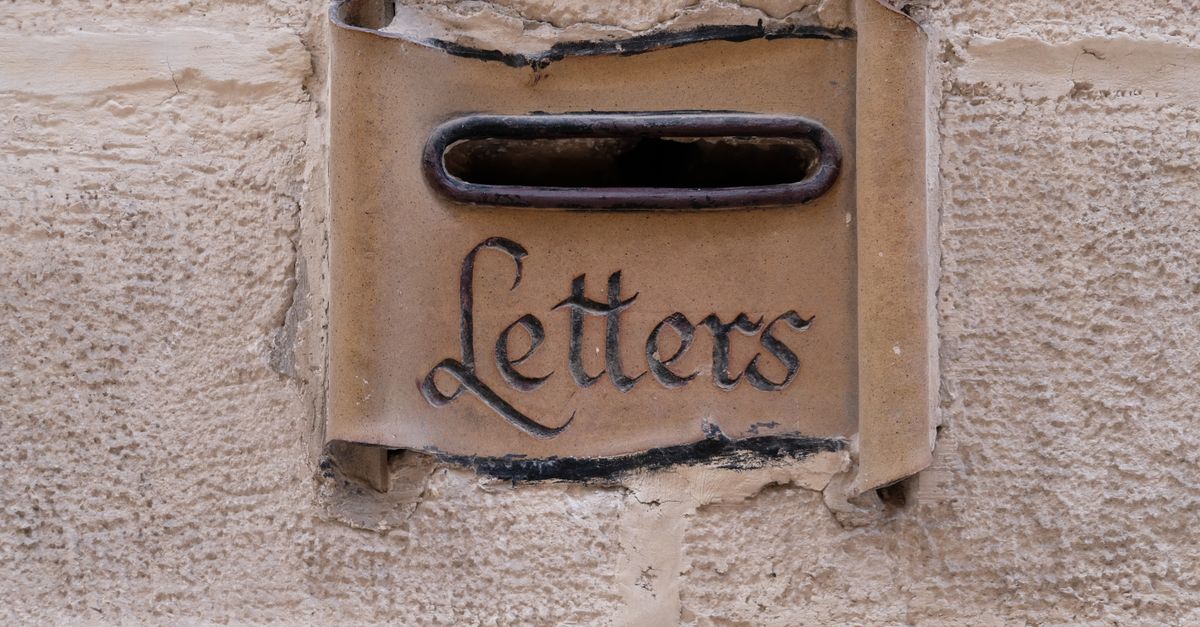
The first email sent between two different computers was about nothing. Ray Tomlinson, a programmer at the American company BBN, sent a test message over the ARPANET in 1971. He later said he no longer remembered what was in it, although the story goes that it was a row of keys. The two computers were in the same room.
That is the beginning of the history of email and spam in one breath: a system built by people who knew and trusted each other. That trust was so deeply embedded that no one thought you should also be able to check a sender. That would later cause quite a bit of trouble.
Here is the story in five minutes, suitable for the coffee table. And then what it means for your own domain, because that is where the practical part is.
The first email in 1971
Leaving messages for other users was possible before, but only on one and the same computer. Tomlinson made it possible to send a message to a user on another machine. To indicate who and where, he chose the at sign: the username on the left, the computer on the right. That @ is still how every email address is structured, including yours.
The network this ran on, the ARPANET, was a small world. Researchers and universities, a few hundred users. You knew the people on the other end, or knew someone who did. Protecting the sender was no issue, because who would lie about who they were among a group of colleagues?
The first spam: a sales email from 1978
In 1978, Gary Thuerk, working at computer manufacturer DEC, sent an announcement of product demonstrations to a few hundred ARPANET users on the American west coast. One message, sent once, to people who had not asked for it. This is considered the first spam.
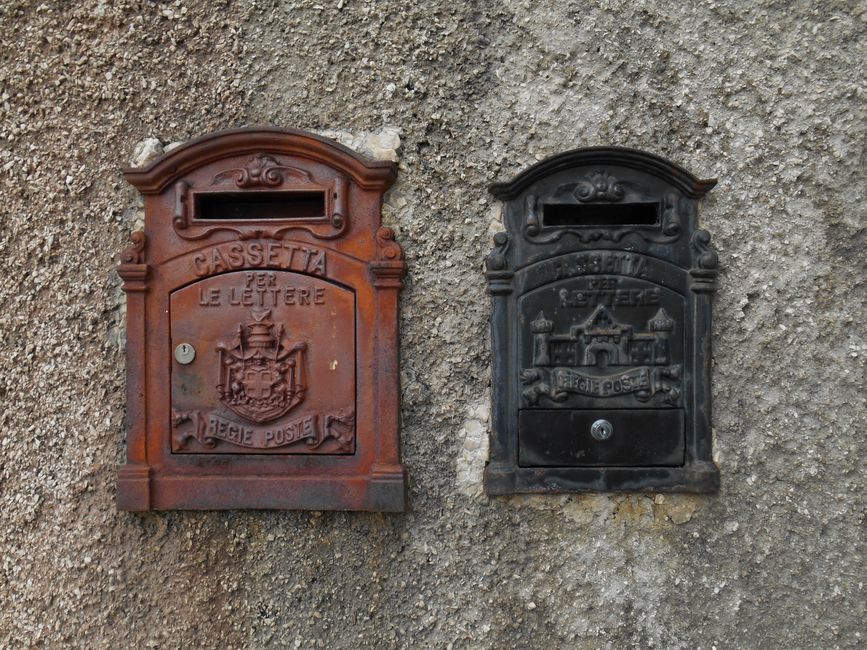
The reactions were not gentle. The network was meant for research and not for advertising, and recipients found it inappropriate. You can already see the pattern that has not changed since: sending costs almost nothing, reading costs the recipient time.
Why it is called spam
The name does not come from that email from 1978. Spam was originally a brand of canned meat, and the word became a joke through a well-known Monty Python sketch, in which the dish is repeated so often that you cannot hear anything else. Internet users later picked it up for messages that pop up everywhere at once and crowd out everything else.
At first it was used for flooding discussion groups on Usenet. Around the mid-1990s the commercial variant took off, when email and the internet came into use by ordinary people and businesses. Suddenly there was money to be made: collect thousands of addresses, send one message, and if only a small part responds, it is already worth it.
The mailbox where anyone could put anything
To understand why spam became so easy, a comparison with paper mail helps. Anyone can put an envelope in your mailbox. On that envelope can be whatever the sender wants: a sender name, a logo, the name of your bank. The postman does not check whether it is true. He delivers.
That is how email worked too. The protocol used to pass on mail, SMTP, was defined in the early 1980s. It describes how a message travels from one mail server to another. Who the sender is, the sending party states itself. A check whether it is allowed to use that address is not part of it. At the time that was not carelessness, it fit the network it was made for.
As soon as the internet opened up to everyone, that became a problem. You could simply make up a sender address. That is the whole foundation of phishing: an email that seems to come from your bank, your supplier or your own director. How to recognise such emails is described in our article on recognising phishing by signals in an email.
SPF, DKIM and DMARC: the late repair
Only decades after that first email did ways to check the sender emerge. They were built on top of an old system afterwards, which explains why they work with separate DNS records instead of a single switch. In the mailbox comparison:
- SPF is the list you have deposited at the post office of who may deliver mail in your name. If the sending server is not on it, that is suspicious. SPF took shape in the first years of this century.
- DKIM is the seal on the envelope. Your mail server places a digital signature on every message, and the recipient can check whether it is valid and whether the content was changed in transit. Around 2007 this became a standard.
- DMARC is your instruction to the recipient: what should happen to mail that fails the check? Ignore it, quarantine it or reject it. You also receive reports, so you can see who is sending mail in your name. DMARC came around 2012, so almost forty years after that test message.
They only work well together. SPF alone says little if no one knows what should happen when a check fails, and DMARC without SPF or DKIM has nothing to decide on. The explanation per record, with examples, can be found in SPF, DKIM and DMARC explained.
Why this still matters for your domain
It sounds like old history, but it affects two sides of your business. First: people can send emails that appear to come from your domain. Without a DMARC policy, a recipient cannot see that this is fake. Your customers then receive an invoice email with your name on it and a different account number below it.
Second, it works the other way around. Receiving mail servers have become strict because of all those years of spam. If SPF, DKIM and DMARC are not set up correctly, your own quote or invoice is more likely to end up in the spam folder than in the inbox. If your mail is already there, Email ends up in spam? How to find the cause will help you on your way.
What you can check yourself
- Run the free website check on your domain. Among other things, it shows whether SPF and DMARC exist.
- For SPF, check whether all systems that send mail in your name are in it: your mail host, your newsletter tool, your accounting software. Forgotten systems are the most common reason legitimate mail fails.
- Set DMARC to a soft policy first, where you only receive reports. Watch for a few weeks what comes in, then tighten it. Starting too strict can block your own mail.
- After every change, check that a test email from you still arrives correctly.
If you use Google Workspace or Microsoft 365, follow the DMARC steps with setting up DMARC for Microsoft 365 and Google. Keep time in mind: the records themselves take half an hour to set up, while keeping up with the reports takes a few weeks of attention afterwards.
What to do now
Start with checking your own domain. If there is no DMARC record, that is the first job. If there is one, check whether the policy does nothing or actually enforces something.
If you would rather not sort it out yourself, Netslim automatically sets up the DNS (MX, SPF, DKIM and DMARC) correctly for business mailboxes. You can read how to set up an email address on your own domain in setting up business email on your own domain. Then you do not have to wait for someone else to put your name on an envelope.
Frequently asked questions
Who invented email?
Ray Tomlinson sent the first message between two computers on a network in 1971 and came up with the @ sign in the address. Email within a single computer already existed before that, so you can see him as the inventor of network email as we know it today.
Why is spam called spam, actually?
The word comes from a brand of canned meat that is repeated over and over in a Monty Python sketch. Internet users used the name for messages that push themselves everywhere and that nobody ordered.
Can someone send emails with my domain as the sender?
Technically yes, because the sender address in an email is filled in by the sender itself. With SPF, DKIM and DMARC you can tell recipients which emails really come from you and what they should do with the rest.
What is the difference between spam and phishing?
Spam is unsolicited bulk email, usually advertising. Phishing is an email that pretends to come from a known party, to get you to log in, pay, or open something. Phishing uses a forged sender address, spam does not have to.
Read also
All blogs →
Set up business email on your own domain in half an hour
From gmail.com to info@yourbusiness.com: choose the right solution, understand what MX records do, set up the mailbox on your phone and laptop, and test that everything arrives.

Email ending up in spam? How to find the cause
Email from your company lands in your customers' spam folder. With this step-by-step guide, you first check your DNS records, then your reputation, your content and your sending behaviour.

SPF, DKIM and DMARC explained: what do they do for your email?
What do SPF, DKIM and DMARC actually do? An explanation in plain language, with example records and a step-by-step plan to check whether your email is set up correctly.
