

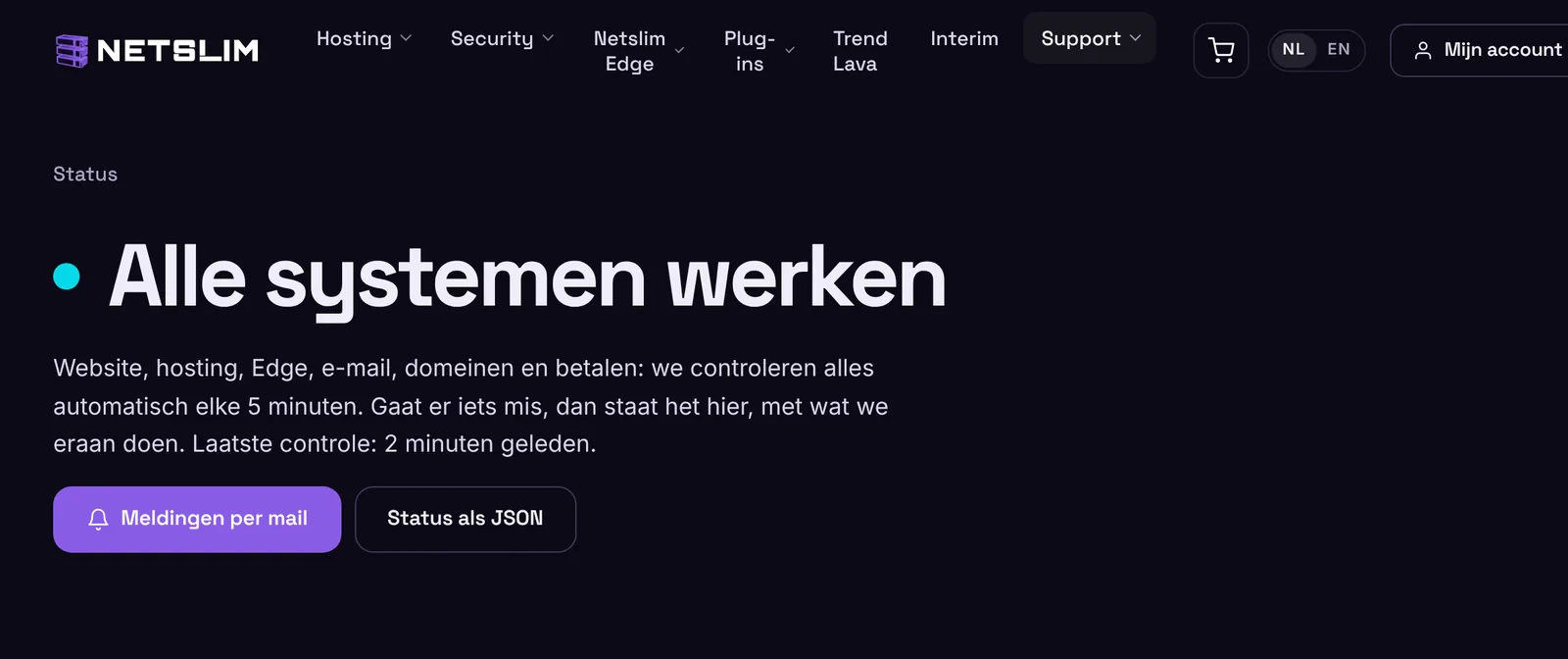
At netslim.nl/status you can see at a glance whether everything at Netslim is working. We check all components automatically, every 5 minutes, day and night.
Klant bij Netslim? Log in, dan regel je dit hier met één klik.
InloggenWhat you'll see
- At the top is the current status: “All systems operational”, or what is going on.
- In progress: an ongoing outage with a timeline. You can read what we see, what the cause is and when it is resolved.
- Planned maintenance: when, which components, and what you will notice.
- Components: website and account, web hosting, Netslim Edge (per server), email, domains and DNS, online payments. Each component has a bar of 90 days: green is working, yellow is a disruption, red is an outage, purple is maintenance. Hover over a day for details.
- The past 30 days: all outages and maintenance, with how long it lasted.
Disruption or outage?
With a disruption, a component still works, but not fully. For example, one of our edge servers does not respond and traffic goes through the other servers. With an outage, a component does not work. An outage appears after two failed checks in a row, so within 10 minutes, and closes automatically as soon as it works again.
An email when there is an outage
At the bottom of the status page, subscribe with your email address. Choose everything, or only the components you use. You first get an email to confirm. After that, you get an email when there is an outage, when it is resolved and for planned maintenance. Below every email are links to change your preferences or unsubscribe.
In your account
If an outage or planned maintenance affects your services, you will also see this at the top of your account, with a link to the timeline.
See something that is not listed?
Is something not working while the status page says everything is working? Send us a message in your account or contact us. We will look into it right away.
