

The search window is at the top of your account. Open it with a click, with Ctrl + K (on a Mac ⌘ + K) or with the / key. Type what you are looking for or what you want to do, in your own words.
Search
Type a domain, an invoice number or the name of a page in your account. You see right away what matches. Use the arrow keys to choose and press Enter to open it.
Get it done right away
For results with Do it, we take care of it right away, so you don't have to go to the right page first. A few examples:
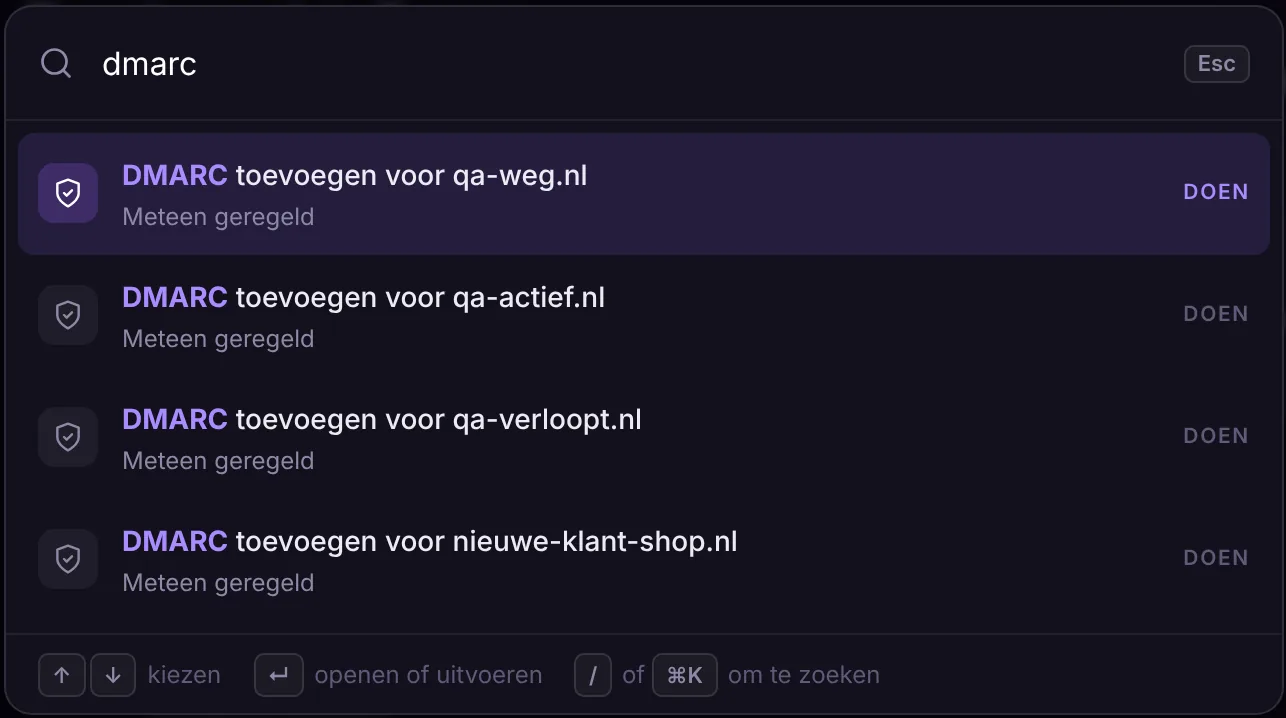
- dmarc: add DMARC to your domain.
- spf: merge two SPF records into one.
- cache: clear the cache of your website.
- backup: make a backup now.
- ssl: request a free SSL certificate.
- wordpress: log in to WordPress, without a password.
- renew or lock: set your domain to renew automatically or lock it.
- transfer code: request the transfer code for your domain.
- pay: pay an open invoice.
If something has a big impact, such as turning on DNSSEC or showing the transfer code, we first ask if you are sure. Then you see right away whether it worked.
Also in the knowledge base
Many articles in the knowledge base have a Do this for me block. If you are logged in, you can get it done there with the same button.
