

Moving a domain usually costs nothing extra. You only pay for one year of renewal, and for most extensions the remaining term carries over.
Before you start
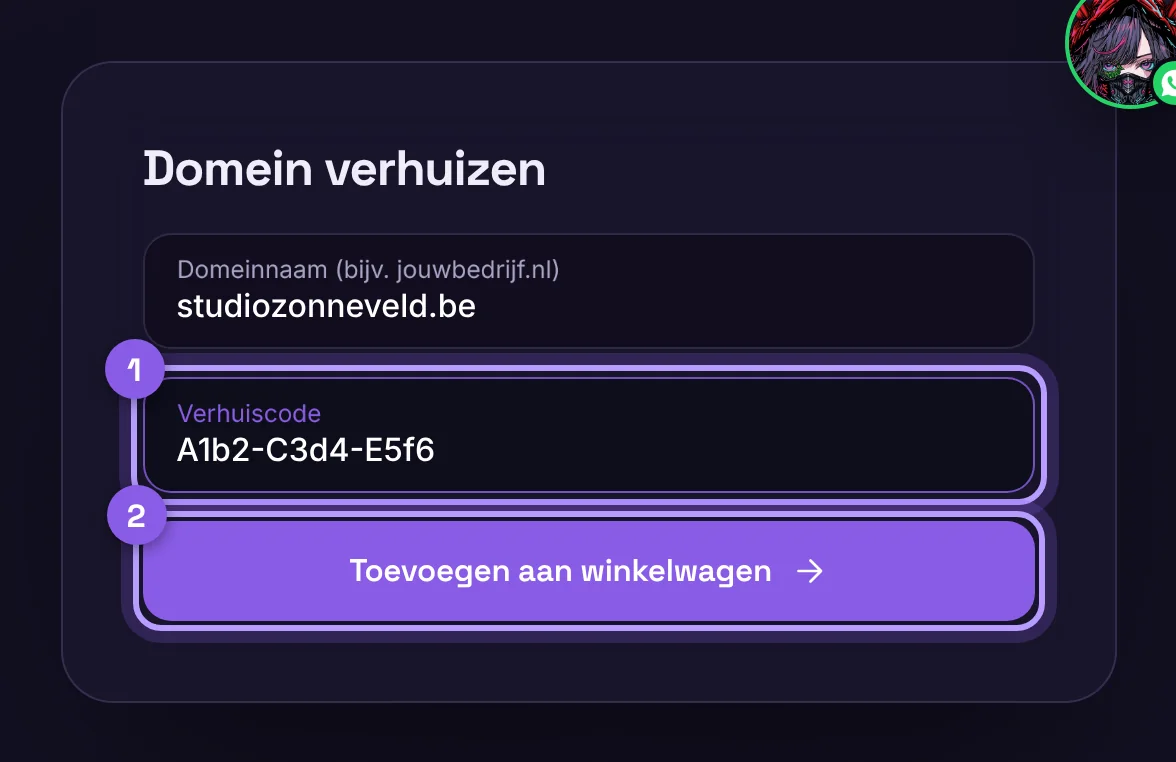
- Ask your current provider for the transfer code (also called EPP or authorization code).
- Turn off any transfer lock.
- Make sure the owner's email address is correct. For some extensions, a confirmation email is sent there.
Moving
- Look up your domain with the domain search and click Transfer.
- Enter the transfer code and pay.
- We start the transfer automatically. A .nl domain usually arrives within an hour, a .com within 5 days.
Will everything keep working?
Yes, if your DNS records move with it. Do you want to keep your email or site with another party? Then set up your DNS records with us before the transfer, or send us a message and we will do it.
Enter the transfer code later
Did we set up the transfer for you, and do you not have the code yet? Then the domain appears in your account under Domains with the box Transfer code needed. Ask your current provider for the code, unlock the domain there and paste the code into that box. The transfer starts right away. You will get an email when it is done. We keep your nameservers, so your website and email keep working.
Is your domain already with a party we manage?
Then we move it internally. You don't need to do anything: no code and no confirmation.
