

Because all your traffic passes through the edge, we stop attacks there. Your web server never even sees them.
What Edge Shield does
- DDoS: the data center absorbs network attacks. The edge recognizes attacks on your website itself.
- Rate limiting: a maximum number of page requests and login attempts per IP.
- Bots: fake bots are kept out (Google, Bing and Apple are verified via DNS, ChatGPT and Perplexity via their own IP lists). You choose per AI crawler whether it is welcome.
- Protect admin: wp-admin or your admin area only from your own IP addresses.
- Dangerous paths such as
.envand.gitare blocked, and security headers are added to every page. - Monitoring: we see attacks and outages right away.
Firewall (WAF)
The firewall recognizes attacks on your code: SQL injection, cross-site scripting, directory traversal, backdoors and scanners looking for .env, .git and backups. It has four modes: Off, Measure (log only), Automatic and Block (stop everything, with exceptions per path).
Automatic is our recommendation. It only blocks attacks that a normal visitor never makes, such as looking for files that should not be public. This means it cannot take your site down. The rest is only measured. If real attacks come in before you have chosen a mode, the autopilot sets it to Automatic itself and you see this in your account. Below the settings is a log of the last 100 attacks: when, which rule, which address and what the edge did.
A firewall does not replace a test of your site itself. If you want to know whether your site's code is secure, ask about a security audit.
Turn on firewall
Go to My account › Edge SEO › Security and choose Off, Monitor, Automatic or Block. If you are unsure, choose Automatic. It stops the obvious attacks right away. If you want to block everything, first check the log for a week to make sure there are no false alerts. If the firewall is off, the basic protection (DDoS, login limit, bad bots) stays on. The firewall is part of Edge Shield and Edge SEO. If you have a different plan, you can add Edge Shield there directly. After payment, it is active within a minute.
Attack mode
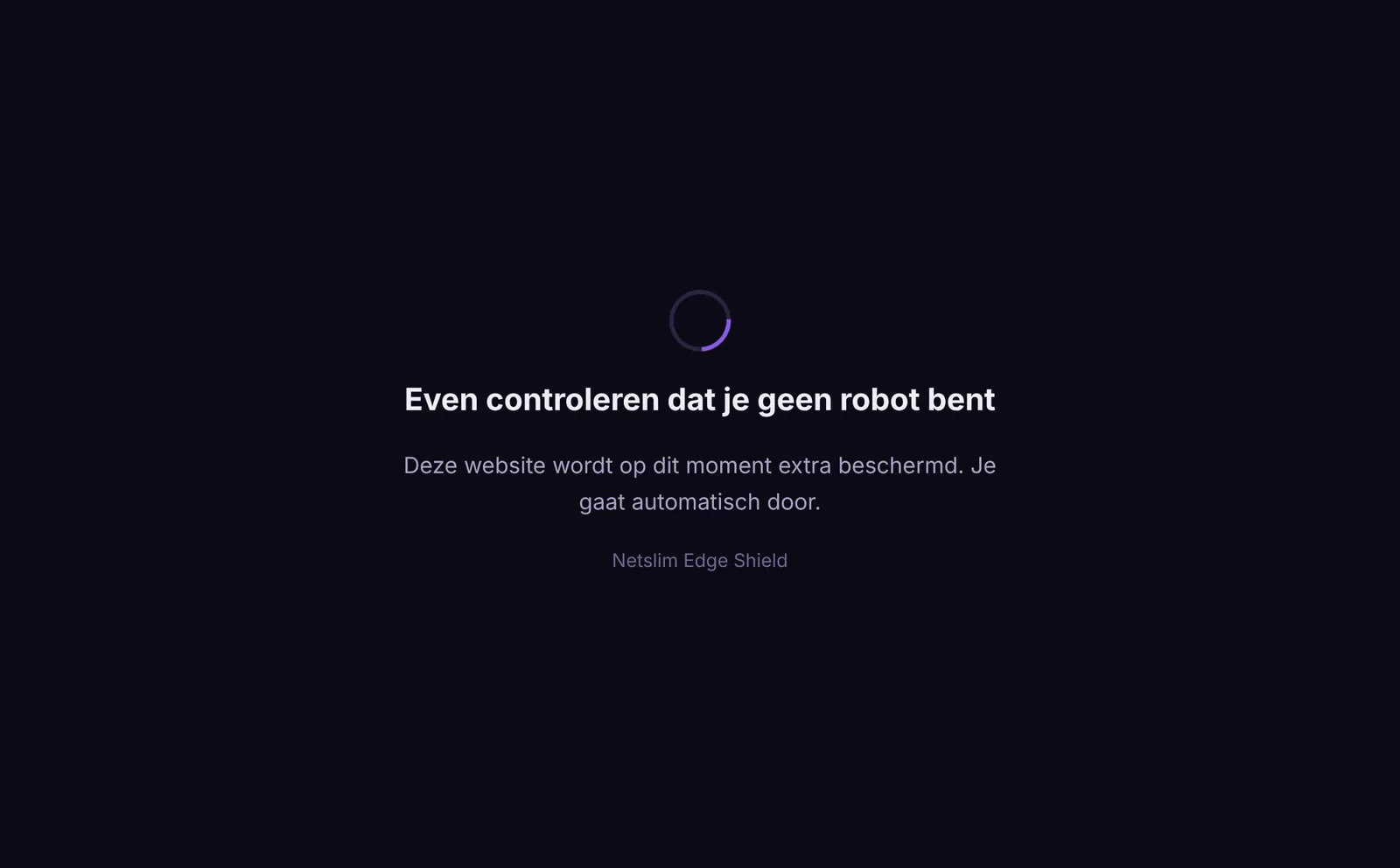
If many more requests than normal suddenly come in, attack mode switches on automatically. Visitors then briefly see a dark screen Just checking that you are human. Their browser solves a small calculation and they continue automatically. If someone keeps requesting the check again and again, as a script does, the task gets harder and the Netslim Captcha hold button appears. You can also choose to always show the hold button. The edge checks the answer itself: copying it or making your own cookie does not work. Search engines and your images are not affected. 15 minutes after the last peak, it switches off again, and you get an email about it. This is what it looks like.
Cookies
After the check, we place one functional cookie, __nsl_ok (24 hours, readable only by the server). No consent is needed for this, but do list them in your cookie statement.
Block AI crawlers?
You can choose per crawler. Our advice: allow crawlers for AI search and live questions (such as OAI-SearchBot, ChatGPT-User, Claude-SearchBot and PerplexityBot), because they make sure AI assistants mention you and send visitors. Crawlers that only read for training (such as GPTBot and ClaudeBot) can be blocked without disappearing from AI answers. Let us know what you want.
Always online
If your web server stalls, visitors see the last good version of your pages. See Always online: your site stays visible during outages.
