

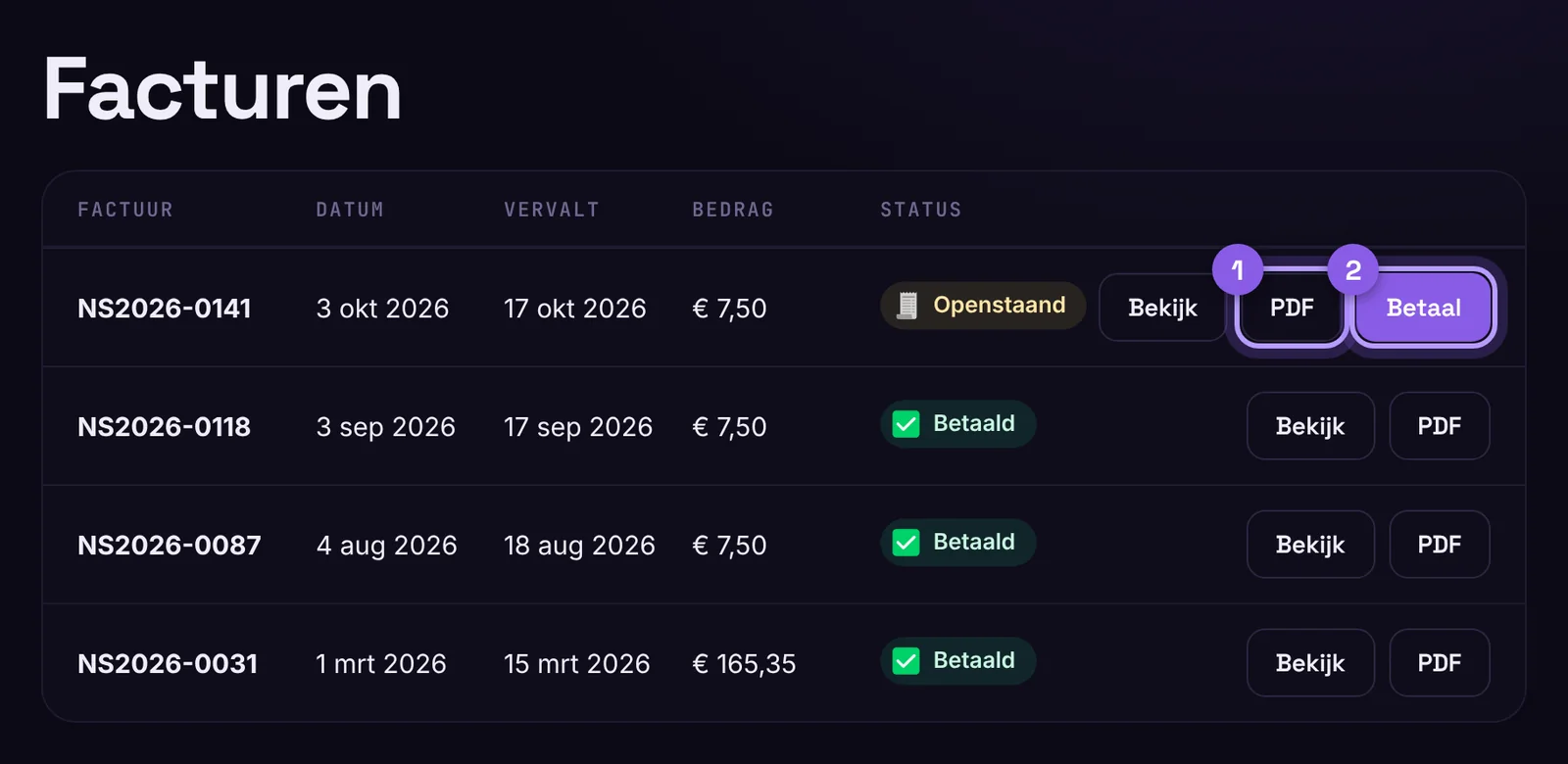
All your invoices are in your customer portal under Invoices, including those from our old system.
Download
Click an invoice and choose Download PDF. Every invoice email also includes the PDF as an attachment. Want your accountant to receive them automatically? Enter their address under Profile › Preferences.
Automatic payment
Pay an invoice for a subscription once with your credit card. This gives us permission to charge renewals automatically on the due date, so you never miss one. With iDEAL you pay per invoice. That keeps working, but you get a payment link with every renewal.
Something not right?
Send us a message via Messages with the invoice number, and we will sort it out.
Was this helpful?
Thank you
