Everything for Netslim Edge is in your regular Netslim account, under My account › Edge SEO. One login, with two-step verification, and you only see your own sites. If you have several domain names, you choose the domain name at the top.
Your results in Google
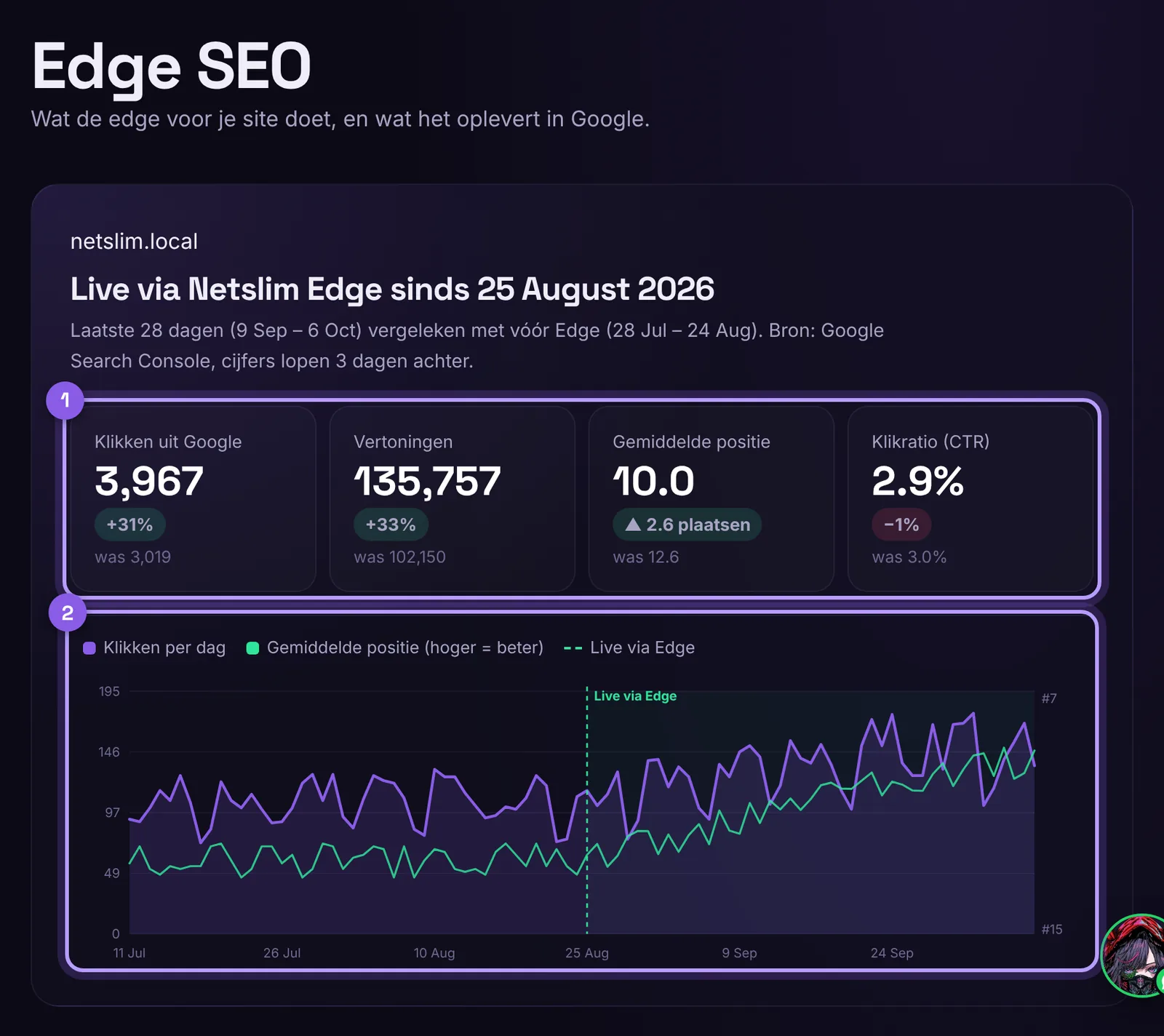
At the top you see your clicks, impressions, average position and click-through rate from Google Search Console. The last 28 days are shown next to the period before Edge, with a chart per day and a line on the day you went live. Search Console runs 2 to 3 days behind. At the top right you can download your monthly report as a PDF.
What does it deliver?
Enter your conversion rate and average order value, and the block calculates roughly how much extra revenue the extra visitors from Google bring in. You can find more explanation in What does Edge deliver? The revenue estimate.
What the edge does for you
Tiles with the key figures: active improvements, redirects (and how often they were used), how often crawlers saw your improvements, visits from the real Googlebot and from AI crawlers, real errors, the response time of the edge and the number of requests. Hover over the question mark for an explanation.
Found in AI (GEO)
How many visitors ChatGPT, Perplexity, Gemini, Copilot and Claude send you, how often AI assistants read your site live, which pages AI reads most, and a short checklist Ready for AI?. You also see, per crawler, how often it visited, whether it is for search, live questions or training, and whether it is a real bot or a fake bot posing as ChatGPT or Google. See AI bots on your site: what they do, real or fake, and what it delivers.
SEO per page and the SEO assistant
Under SEO per page you see what can be improved per page, and you can edit texts, also in bulk. The SEO assistant (Claude, ChatGPT, Gemini, Mistral or your own model) makes suggestions or makes changes itself, exactly as much as you want.
Price Watch
If you have Price Watch, it has its own tab. A number on the tab means there are suggestions waiting for your approval.
Every Monday
You get a report by email every Monday, with your results in Google and, if you have entered your figures, the estimated extra revenue. If the SEO assistant is on, you also get a daily overview when there is something new.
What costs extra?
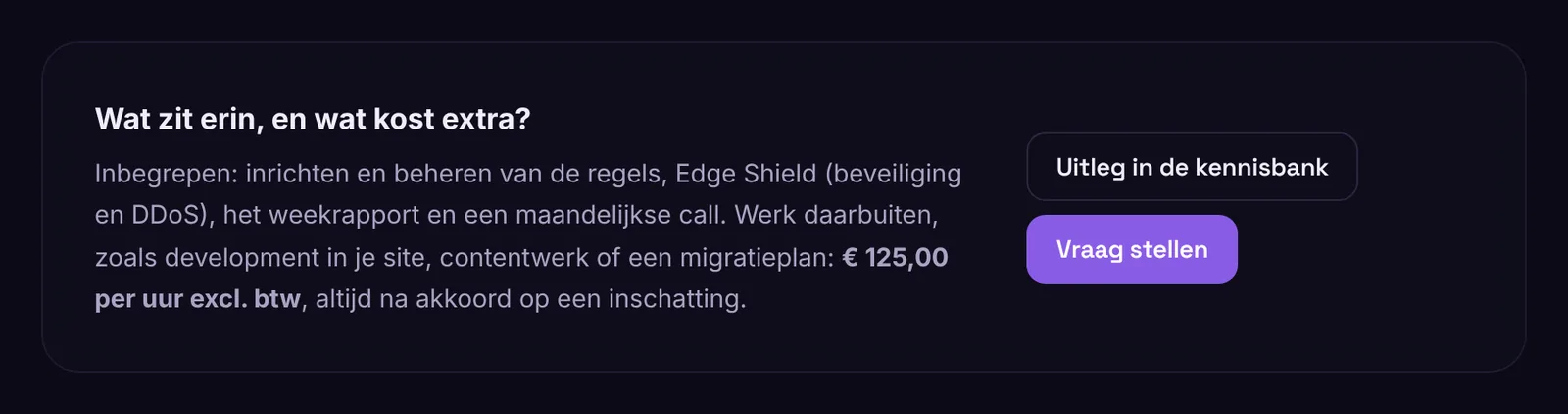
Included are setting up and managing the rules, Edge Shield, Always online, the weekly report and a monthly call. Work outside that, such as development on your own site, content work or a migration plan, costs € 100 to 150 per hour excl. VAT. You always get an estimate first.