

The edge already knows your pages. Every day it sees every page it serves, with title, description, H1, canonical and what can be improved. So you don't need to import your products. With the CSV you only edit texts. Your website itself doesn't change. The edge puts your texts live.
Download
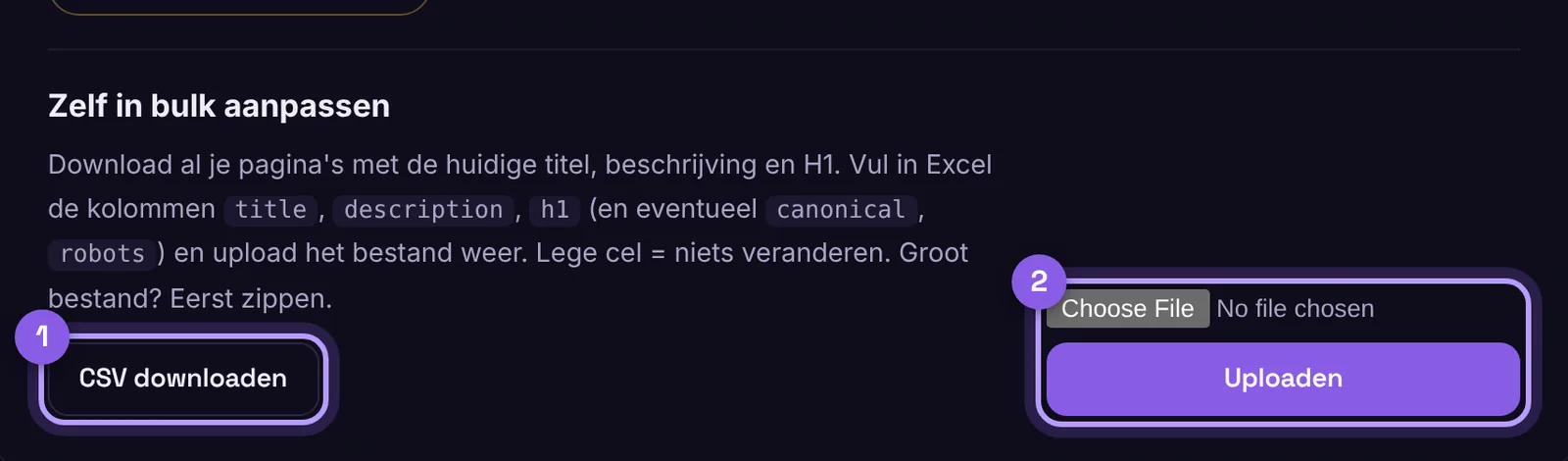
Go to My account › Edge SEO › SEO per page and click Download CSV under Edit in bulk yourself. Open the file in Excel or Google Sheets. You get the pages the edge knows, with the current texts.
Editing
- Fill in the columns
title,descriptionandh1. The columns that start withhuidige_show what is there now. - Leave a cell empty if you don't want to change anything.
- Title: maximum 60 characters. Description: 120 to 160 characters.
- Also possible:
canonicalandrobots(for example noindex, follow). Only do this if you know what it does. - A page the edge hasn't seen yet? Add a row with the path in the column
url. As soon as that page comes by, your text is on it.
Uploading
Save as CSV and upload the file with the same button. Large file (100,000 products or more)? Zip it first, then it's a few MB. Everything is live within a minute.
Prefer per page, or with AI?
You can also work per page: click Edit in the list and a panel opens on the right. Or let the SEO assistant do all the work with Improve pages. We are happy to set up schema (JSON-LD) and technical rules for you, so nothing goes wrong. More about the different files is in Do I need to import my products?.
