

In the customer portal you manage everything yourself: services, domains, invoices, messages to us and your details. If you have Netslim Edge, Price Watch, a licence or a contract with us, these are listed there too. You log in via Log in at the top right of the site.
You log in with
- your email address and password, or
- your Google account (if you have linked it to your account).
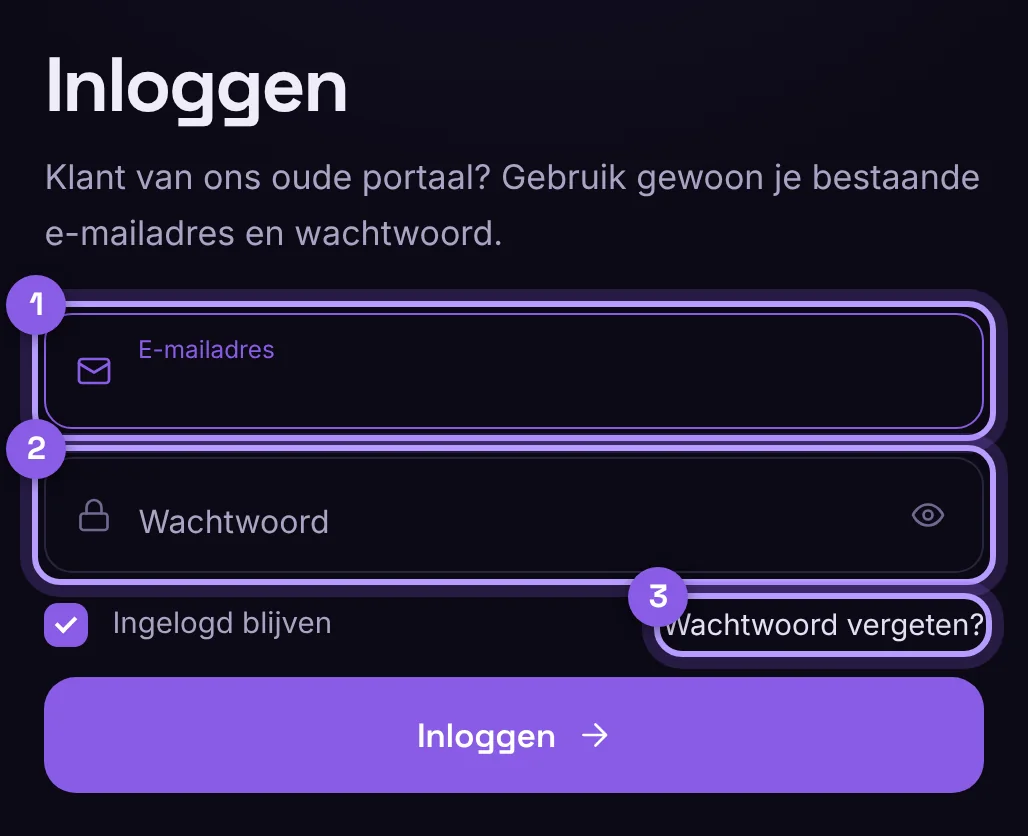
Did you come from our old customer portal? Your existing email address and password still work. To be safe, turn on two-step verification under Profile.
Forgot password
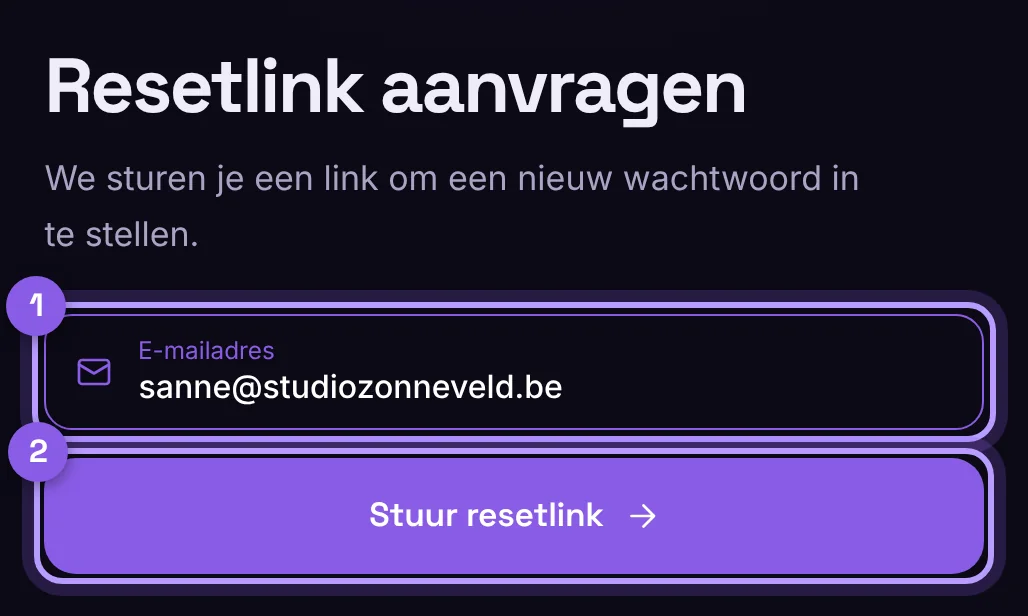
- Click Forgot password below the login form.
- Enter your email address. You will get a link within a minute.
- Choose a new password of at least 10 characters. A sentence of four words is strong and easy to remember.
How the portal works
On the left, the sections are grouped: Start, Growth, Products, Financial and Account. At the top, use Ctrl + K (on a Mac ⌘ + K) or the / key to search straight for a domain, invoice, service or page. The bell shows what is waiting for you: open invoices, contracts to sign and domains that are about to expire. You can search and sort lists of invoices and documents, and export them as CSV.
What is where?
- Overview: your account health (a score with what you can improve, such as two-step verification), what is outstanding and what expires in the next 60 days.
- Domains: nameservers, transfer code and Manage DNS per domain.
- Captcha: site keys for Netslim Captcha on your own sites.
- Backlink: request a link from netslim.nl, for anyone with an account (free for the first 60 days with an active service).
- Edge SEO en Prijsbewaking: als je Netslim Edge hebt.
- Licenties: je codes voor onze plugins. De code is afgeschermd; klik op het oogje om hem te tonen.
- Diensten, Domeinen en Facturen.
- Documenten: contracten om te lezen en te ondertekenen.
- Berichten: vragen aan ons, en onze aankondigingen.
Geen mail ontvangen?
Kijk in je spam of ongewenste mail. Staat hij daar niet, stuur ons dan een bericht via de chat of het contactformulier, dan helpen we je verder.
