

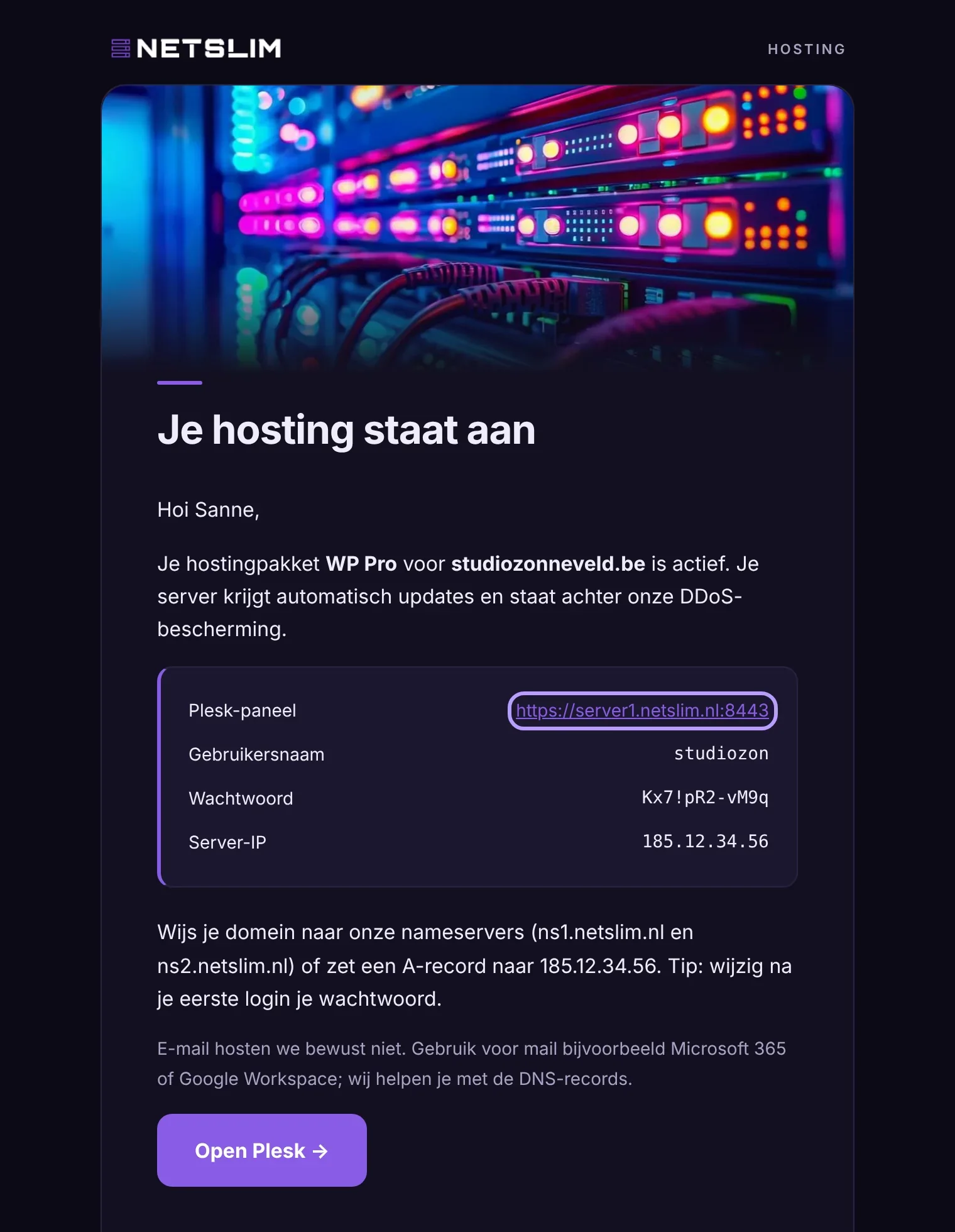
After your order, you receive an email with the address of the Plesk panel, your username and your password. You use these to manage your hosting.
Log in
- Open the link from the welcome email (ends in
:8443). - Log in with your username and password.
- Change your password via your profile at the top right.
Uploading files
Go to Websites & Domains › Files and upload your files to httpdocs. For large sites, SFTP is easier, with the same details.
Installing 
Open WordPress in the menu and click Install. Your site is ready within a minute, with automatic updates and security turned on.
Was this helpful?
Thank you
